
Keep every recruiter contact in one place.
Keep recruiters and hiring managers in one place, linked to the jobs they belong to. You'll always know who you spoke to, when, and what comes next.
Included on every plan.
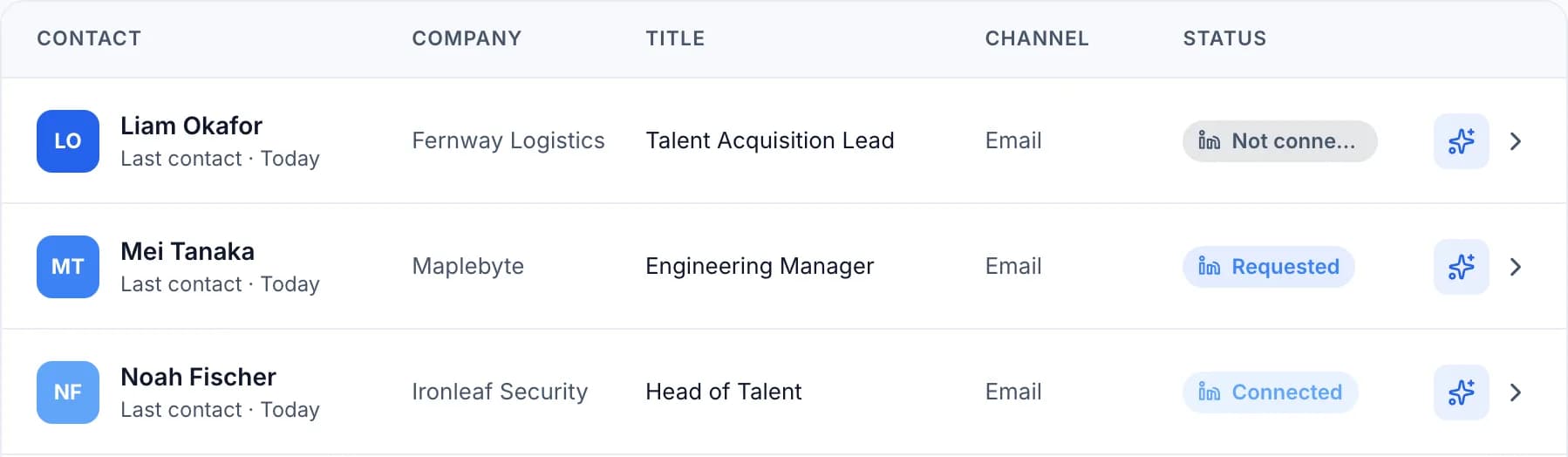
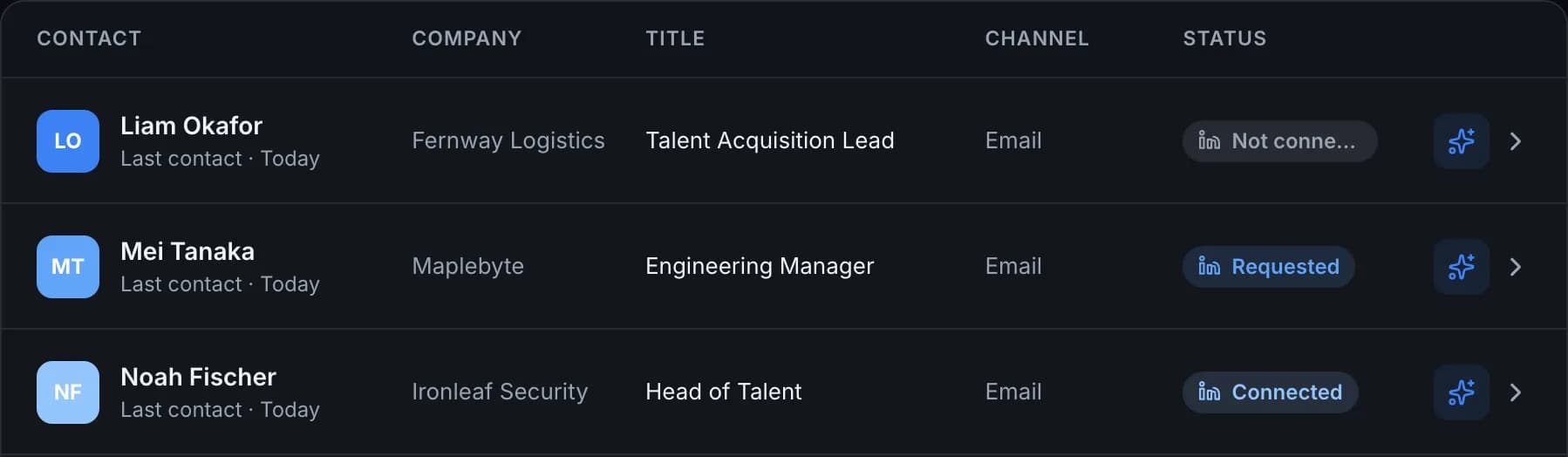
A simple CRM for your recruiter contacts
Linked to the right job
Open an application and see the people behind it, or open a person and see their jobs.
Details all in one place
Email, phone, company, title and social profiles live on one card.
The whole conversation
Follow-ups, replies and notes stay on the contact, in order.
Saved from the page
Use the extension to add someone you find on a job or profile page.
How to organize your recruiter contacts
- STEP 01
Add a contact
Type in their details or save them with the browser extension.
- STEP 02
Link them to a job
Connect the person to the application they're hiring for.
- STEP 03
Plan what's next
Add a note or schedule a follow-up, so the conversation keeps moving.
This video is hosted on YouTube, which sets marketing cookies. to play it here, or watch on YouTube.
Why job seekers need a contact list
Sales teams use a CRM because relationships are easy to lose track of. A job search has the same problem. You may talk to several recruiters, hiring managers and referrers at once, and each of them expects you to remember the last conversation.
Seekrly gives you one place for those people. Each contact has their email, phone, company, title and social profiles, and it's linked to the applications they're involved in.
What to note about each recruiter
Write down how you met, which roles you discussed and what they asked you to do next. A short note straight after a call is worth more than a perfect memory later. Record the salary range or timeline they mentioned as well, so you can refer back to it.
Then set a date for your next step with a follow-up reminder. The people you stay in touch with are the ones who think of you when the next role opens.
Build your network as you search
A recruiter who didn't have the right role today may have it in three months. Keeping your contacts organized means your search builds on itself, instead of starting from nothing each time.
You can see your connection status for each person, add new people from a page with the browser extension, and write to them from your own email with outreach.
Recruiter contact questions
Yes. A recruiter who talks to you about two roles shows up on both.
Yes. Each contact can show whether you're not connected, have sent a request or are connected.
Yes. Connect your own email account and send from there, only when you approve it.
It's a contact list built for relationships. It keeps each recruiter's details, your conversation history and your next step together. In Seekrly, it's also linked to your job applications.
Yes. Your contacts and notes are private to your account.
Ready to organize your job search?
Create a free account and bring every job, contact and follow-up into one place.