
Track every job application in one place.
Replace the spreadsheet with one list of every job you've saved or applied to. Each one keeps its status, notes, people and interviews.
Included on every plan.
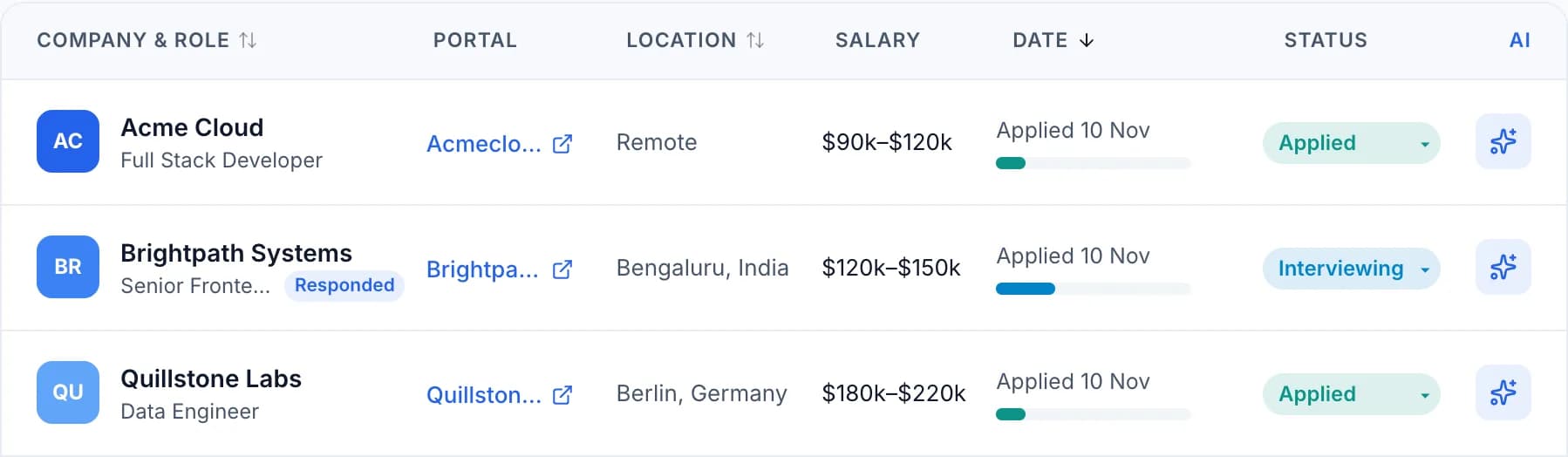
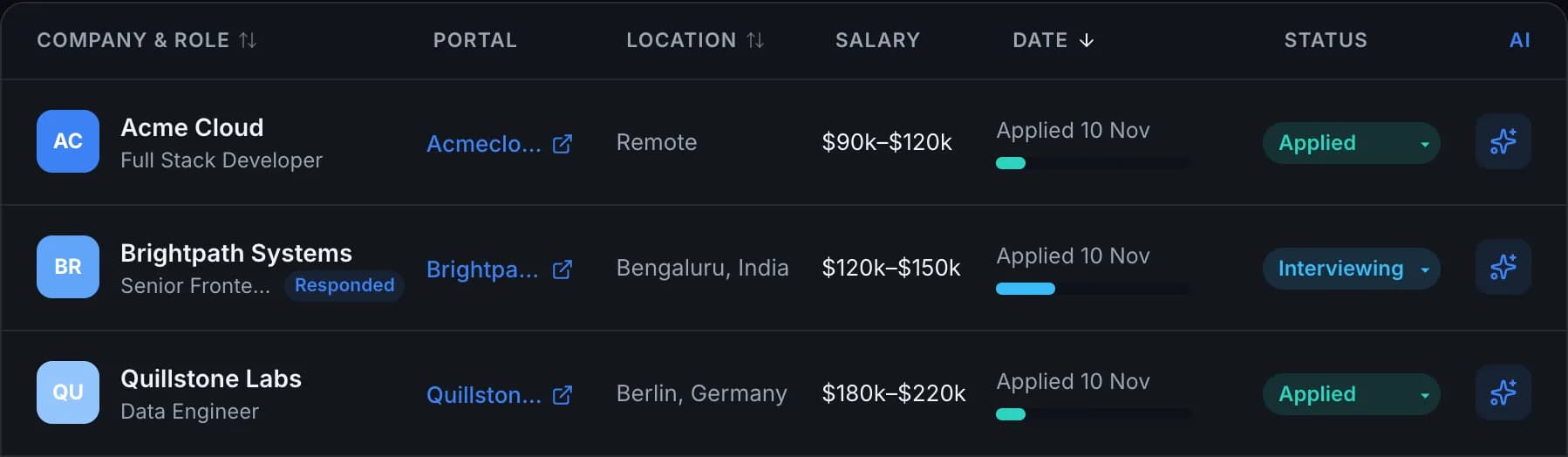
Application tracking that stays simple
A clear status on every job
Move a job from Bookmarked to Applied, Interviewing, Offer and beyond as things change.
Everything about a job on one page
The description, your notes, the recruiter, each interview round and the resume you sent.
Filters that find the job fast
Narrow the list by status or date, or search for a company or role.
A record of what happened
Notes and activity stay with the application, so you can pick it up weeks later.
How to track job applications in Seekrly
- STEP 01
Add a job
Save it with the browser extension, or add the details yourself.
- STEP 02
Update it as you go
Change the status when you apply, hear back or get an interview.
- STEP 03
See what needs you
Your list and dashboard show what's active and what has gone quiet.
This video is hosted on YouTube, which sets marketing cookies. to play it here, or watch on YouTube.
Why track your job applications?
A job search gets messy quickly. After a few weeks you have saved roles, applications you sent, recruiters who wrote back and interviews to prepare for, all spread across browser tabs, emails and notes. When a recruiter calls about a role you applied to a month ago, you need the details in seconds.
Tracking every application in one list solves that. You can see what's active, what has gone quiet and what needs you today. It also stops the small mistakes that cost interviews, like applying twice to the same role or forgetting which resume you sent.
What to record for each application
Start with the basics: company, role, location, salary, the link to the post and today's status. Then add what you learn as you go, such as the recruiter's name, each interview round and the resume you used. Save the job description too, because posts are often taken down just when you need them to prepare.
In Seekrly all of this sits on one page for each job, so you don't have to rebuild the story from your inbox. If you want to start with a blank template first, read our job application tracker template.
A tracker app or a spreadsheet?
A spreadsheet is fine for a short search. It gets harder once one job has several people, several interviews and several dates to remember, because a row can't hold all of that and a spreadsheet won't remind you of anything.
An app links those things together and shows you what's due. Our job application tracker page explains the whole system, and you can bring in new jobs quickly with the browser extension.
Application tracking questions
Bookmarked, Applying, Applied, Interviewing, Negotiating, Offer and Accepted, plus Declined, Rejected, Withdrawn, No Response and Archived.
No. You can add every job by hand. The extension just makes saving much faster.
Each plan includes a number of new applications a month. The pricing page shows the numbers for each plan.
Use one list with a clear status on every job, and update it the moment something changes. Keep notes, contacts and interview dates with the job, and set a date for your next step.
Yes. Application tracking is included on the free plan, with a monthly number of new applications. Paid plans include more.
Ready to organize your job search?
Create a free account and bring every job, contact and follow-up into one place.