
Use Seekrly in ChatGPT and Claude.
Connect the AI app you already use to ask about your pipeline, save jobs and draft outreach from your real data. Developers can build on the public API.
AI plugins on every plan. API access on Pro and Career+.
Which follow-ups are due today?
You have two: Priya Shah at Lumen Labs, and Sam Lee at Cedar Bank. Want me to draft them?
- See applications
- Add applications
- See contacts
- Send email
Choose your AI app
Connect the one you already use. You sign in and pick what it may do.
ChatGPT
Ask about your pipeline, save jobs, tailor resumes and draft outreach from your real data.
Claude
The Seekrly plugin for Claude Code. Install it, then run /mcp, pick seekrly and sign in.
/plugin marketplace add proteinslice/seekrly-claude-plugin
/plugin install seekrly@seekrly
Any other AI app
Add Seekrly as a custom connector in any app that supports MCP.
https://seekrly.com/mcp
Connect AI apps with permissions you control
Works with ChatGPT and Claude
Any other AI app that supports MCP connectors can add Seekrly too.
You choose the permissions
Sign in with your account and pick exactly what the app may do.
It works with your real data
Applications, contacts, interviews, follow-ups, notes and resumes are all available.
A public API for automation
On paid plans, create automation keys and connect your own tools.
How to connect an AI app to Seekrly
- STEP 01
Pick your app
Open Seekrly in ChatGPT, install the Claude plugin or add the connector to another app.
- STEP 02
Sign in and choose access
Approve only the permissions you're comfortable with.
- STEP 03
Ask for what you need
Ask what's due today or have it save a job, and it uses Seekrly.
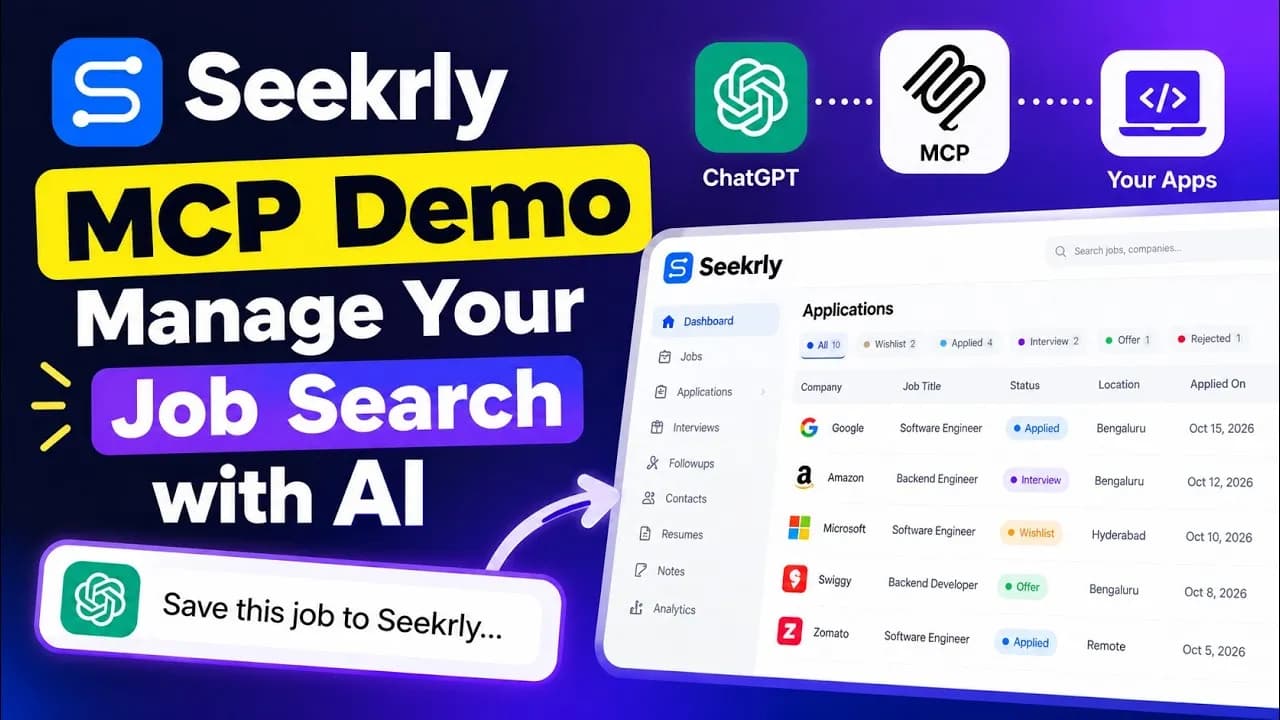
This video is hosted on YouTube, which sets marketing cookies. to play it here, or watch on YouTube.
Use your job search data from an AI chat app
If you already use an AI assistant, it can work with your job search too. Connect it to Seekrly, then ask what's due today, how your applications are going, or have it save a job and draft a message using your real data.
Seekrly has an app for ChatGPT and a plugin for Claude Code. Both work through MCP, an open standard that lets AI apps connect to outside tools, and any other AI app that supports MCP connectors can add Seekrly too. The MCP guide has the details.
You decide what an AI app can do
You sign in with your own account and choose exactly which permissions the app gets, such as reading applications or managing contacts. Sending email needs its own permission, and the app is told to show you the message and get your confirmation first.
You can remove an app at any time from Connected apps in your security settings. Connecting AI apps is included on every plan.
A public API for your own automation
On Pro and Career+, you can create automation keys and connect your own tools to your applications, contacts, interviews, follow-ups, notes and resumes. It's useful for personal scripts and for bringing jobs in from places you already work.
The API reference lists every endpoint, with examples.
AI plugin and API questions
Yes. Remove it any time from Connected apps in your security settings.
Sending needs a permission you grant, and the app is told to show you the message and get your confirmation first.
The MCP guide is at /docs/mcp and the API reference is at /docs/api.
MCP, the Model Context Protocol, is an open standard that lets AI apps connect to outside tools and data. Seekrly runs an MCP server that AI apps can connect to.
No. In ChatGPT you open the Seekrly app, sign in and choose the permissions. Other AI apps only need Seekrly's address in their connector settings.
Ready to organize your job search?
Create a free account and bring every job, contact and follow-up into one place.