
Follow-up reminders for your job search.
Schedule a follow-up for anyone you've talked to. Seekrly shows what's due, emails you a daily list and reminds you when nobody has replied.
Reminders and the daily email on every plan. Automatic sending on Pro and Career+.
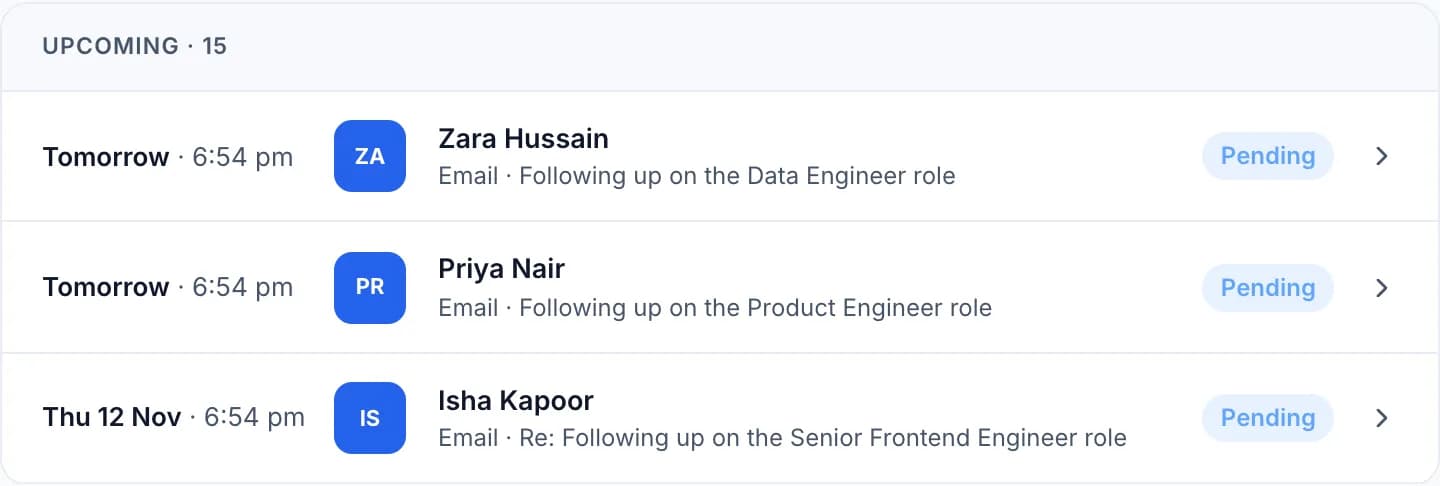
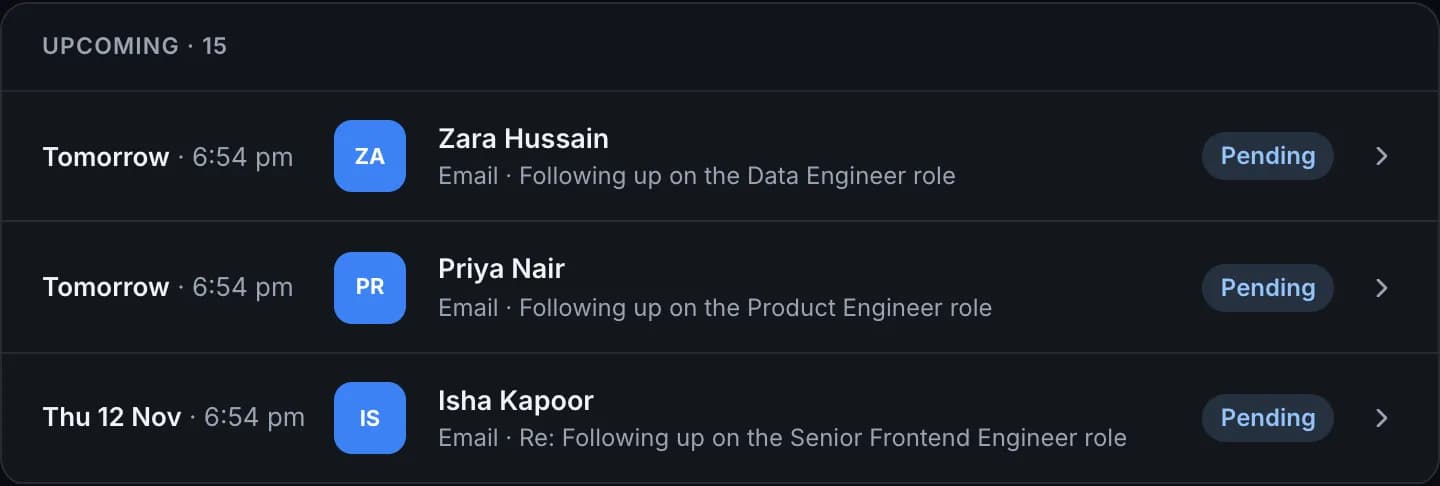
Follow-up reminders that keep things moving
A daily email of what's due
Start the day knowing exactly who to get back to.
A nudge when there's no reply
Choose how long to wait, and Seekrly reminds you to try again.
Any channel
Plan an email, a message or a call, and log it when it's done.
Sent on time, if you like
On paid plans, an email can send itself from your account at the time you set.
How to schedule a job search follow-up
- STEP 01
Schedule it
Pick the contact, the date and the channel, and write your message if you want to.
- STEP 02
Get reminded
It shows on your dashboard and in your daily email when it's due.
- STEP 03
Close the loop
Mark it sent or replied, or plan the next one from where you left off.
This video is hosted on YouTube, which sets marketing cookies. to play it here, or watch on YouTube.
Why following up matters in a job search
Recruiters are busy, and silence often means a message got buried rather than a firm no. A short, polite follow-up brings you back to the top of someone's inbox. Many searches lose good opportunities to forgotten follow-ups, not to rejections.
The hard part is remembering. Seekrly shows what's due on your dashboard, sends you a daily email and reminds you when nobody has replied, so you only have to write the message.
When to follow up after applying or interviewing
There's no single rule, but a sensible pattern is to follow up about a week after applying if you have someone to write to, send a thank-you within a day of an interview, and check in again once the timeline they gave you has passed.
Keep each message short: remind them who you are and which role it's about, add one useful detail and ask a clear question. After two or three attempts with no answer, it's usually time to move on and put your energy elsewhere.
Reminders first, automation only if you want it
You can plan a follow-up as an email, a message or a call, and log it when it's done. Reminders work without connecting any email account. Each follow-up stays on the contact, so the conversation is always in order.
On Pro and Career+, an email can also send itself from your own account at the time you set. Nothing goes out unless you sent or scheduled it yourself. To write the first message, see recruiter outreach.
Follow-up reminder questions
No. An email only goes out when you send it or schedule it yourself.
No. Reminders work without it. Connecting email is optional and send-only.
Automatic sending is on Pro and Career+. Reminders and the daily email are on every plan.
About a week is a common choice if you have someone to contact. After an interview, send a thank-you within a day and follow up once the timeline they gave you has passed.
Yes. You choose how long to wait after a message before Seekrly reminds you to try again.
Ready to organize your job search?
Create a free account and bring every job, contact and follow-up into one place.