
The Best Job Application Tracker Chrome Extension (Free, 2026)
A job application tracker Chrome extension saves a job to your tracker straight from the posting, so you never copy details into a spreadsheet again. Seekrly is free to download from the Chrome Web Store: open any job, click Track Job, and the title, company, location, salary and full description land in your dashboard. It also fills in application forms, saves recruiters from the page and reminds you when to follow up.
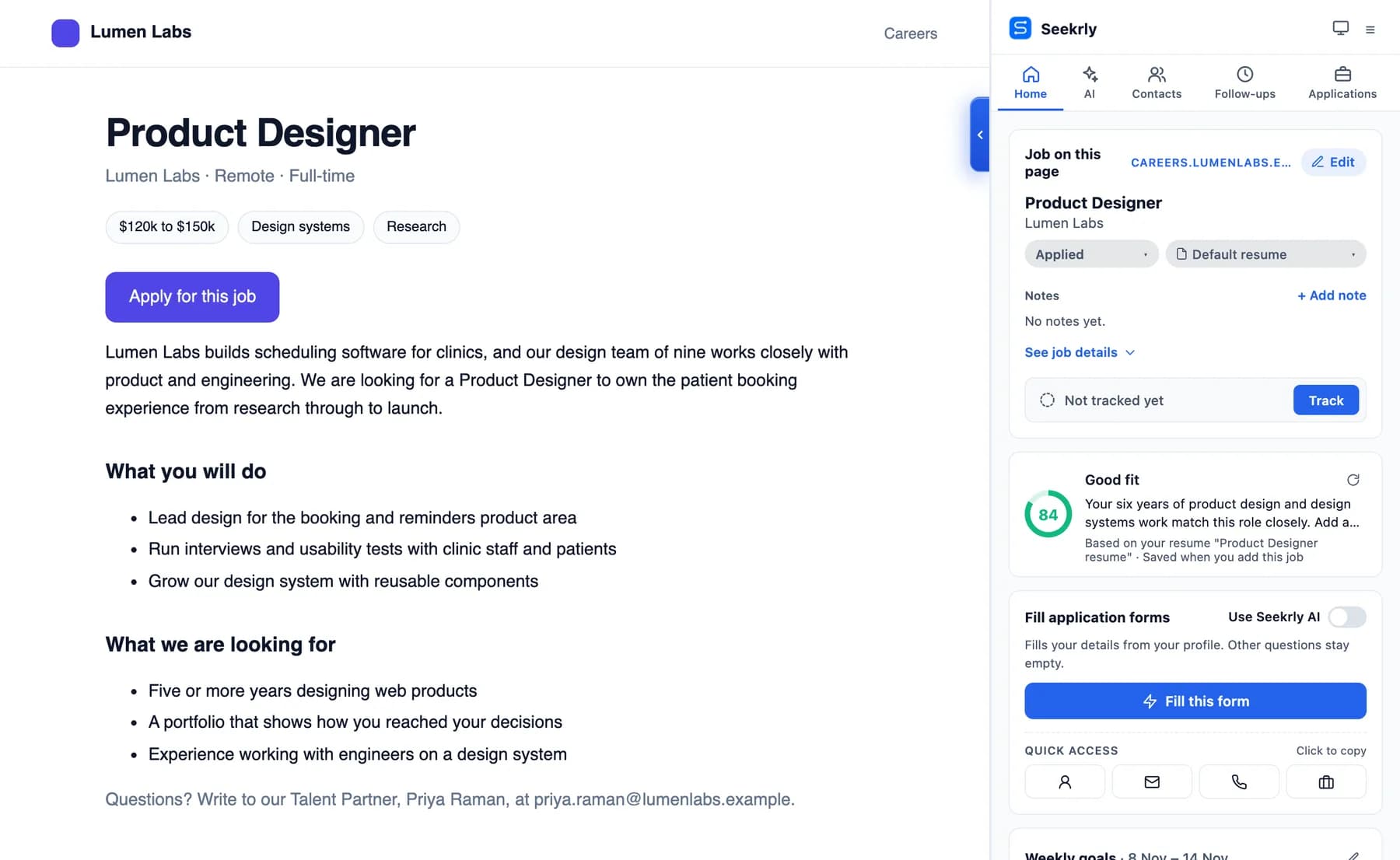
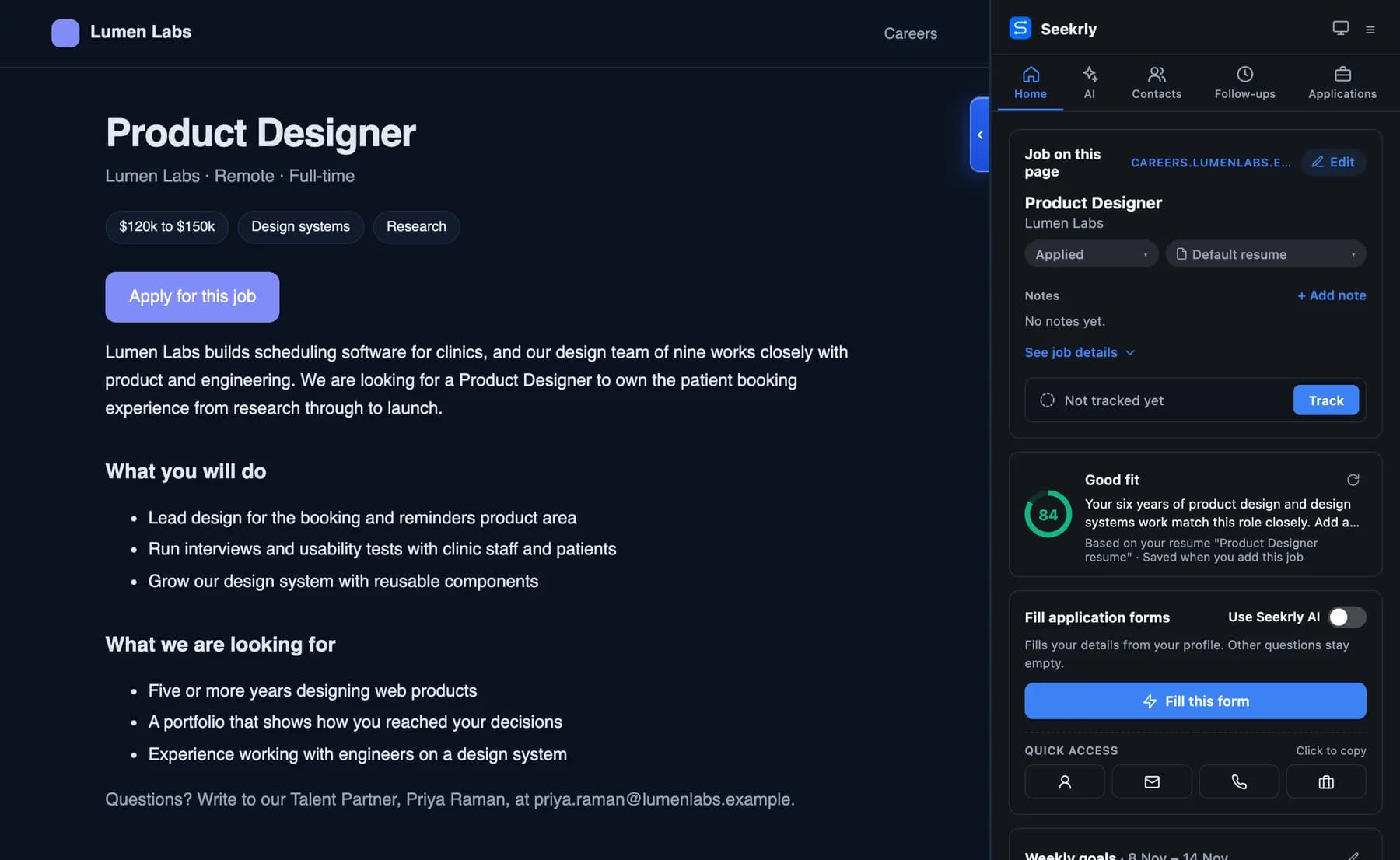
What a job application tracker Chrome extension does
Most people apply on several sites at once: LinkedIn, Indeed, Naukri, Glassdoor and company career pages. Each site keeps its own saved list, and none of them records what happened after you clicked Apply. A tracker extension adds a button to every job page that sends the posting to one list you control.
A good one should:
- Read the job from the page. Title, company, location, salary and the full description, with no copying and pasting.
- Work on any site, not just a handful of big job boards.
- Keep the description. Postings get taken down, and you'll want the text when you prepare for the interview.
- Track stages. Bookmarked, Applied, Interviewing, Offer, Rejected, so you can see what needs action.
- Remind you to follow up. A short, polite follow-up is often what turns silence into a reply.
- Be free to start, so you can try it on a real search before paying for anything.
Seekrly was built around that list. Here's what it looks like in use.
Seekrly in action: from job post to follow-up
1. Save any job in one click
Open a job on any site and a small Seekrly dock appears at the side of the page. Click Track Job and the posting is saved to your dashboard with the stage you choose. If a detail can't be read from the page, the side panel lets you fill it in first. Saving the same job twice doesn't create a duplicate.
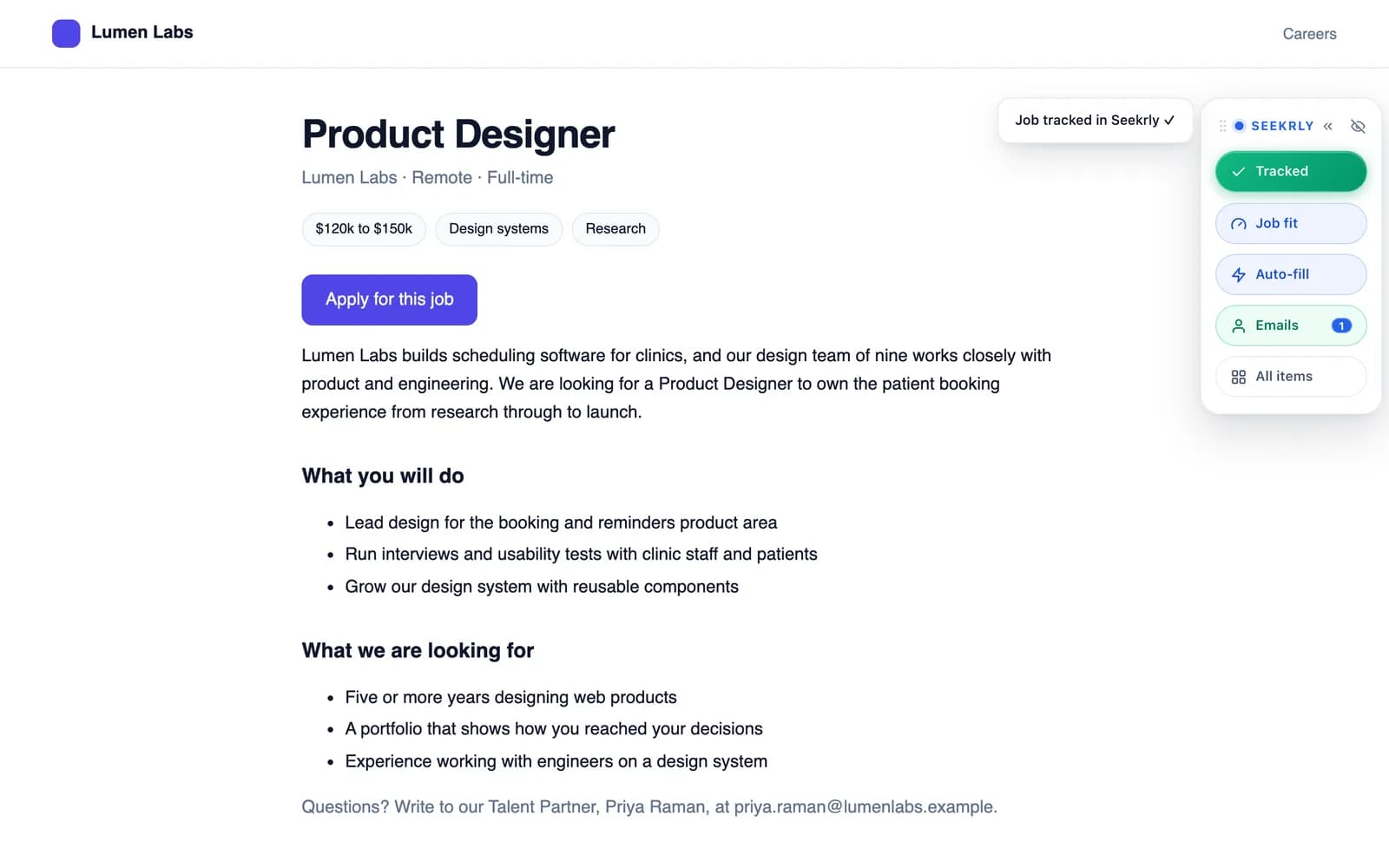
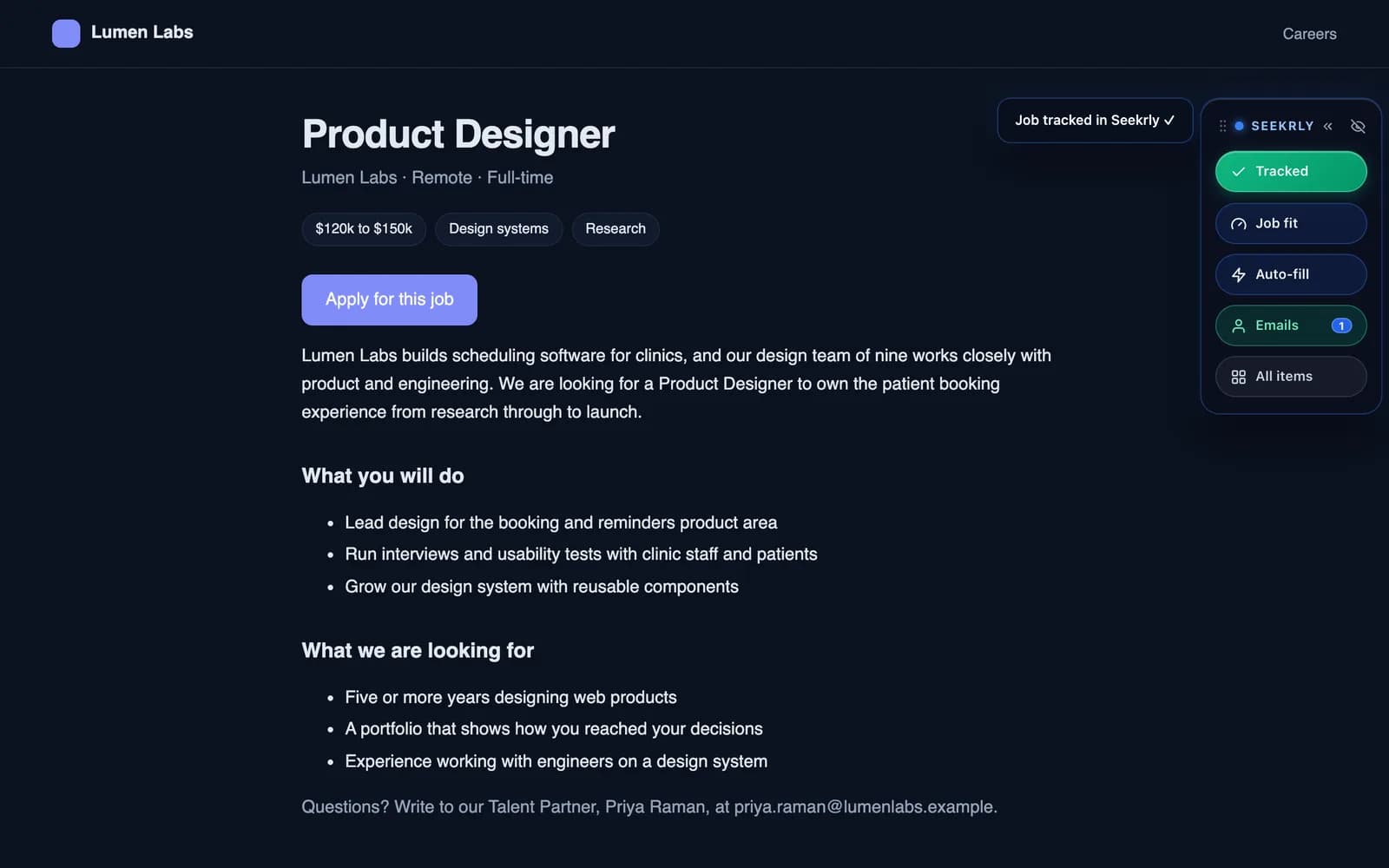
Want it even faster? Turn on Auto-track (off by default) and clicking Apply on a supported site saves the job as Applied automatically. It only records the job and never applies for you.
2. Fill in application forms
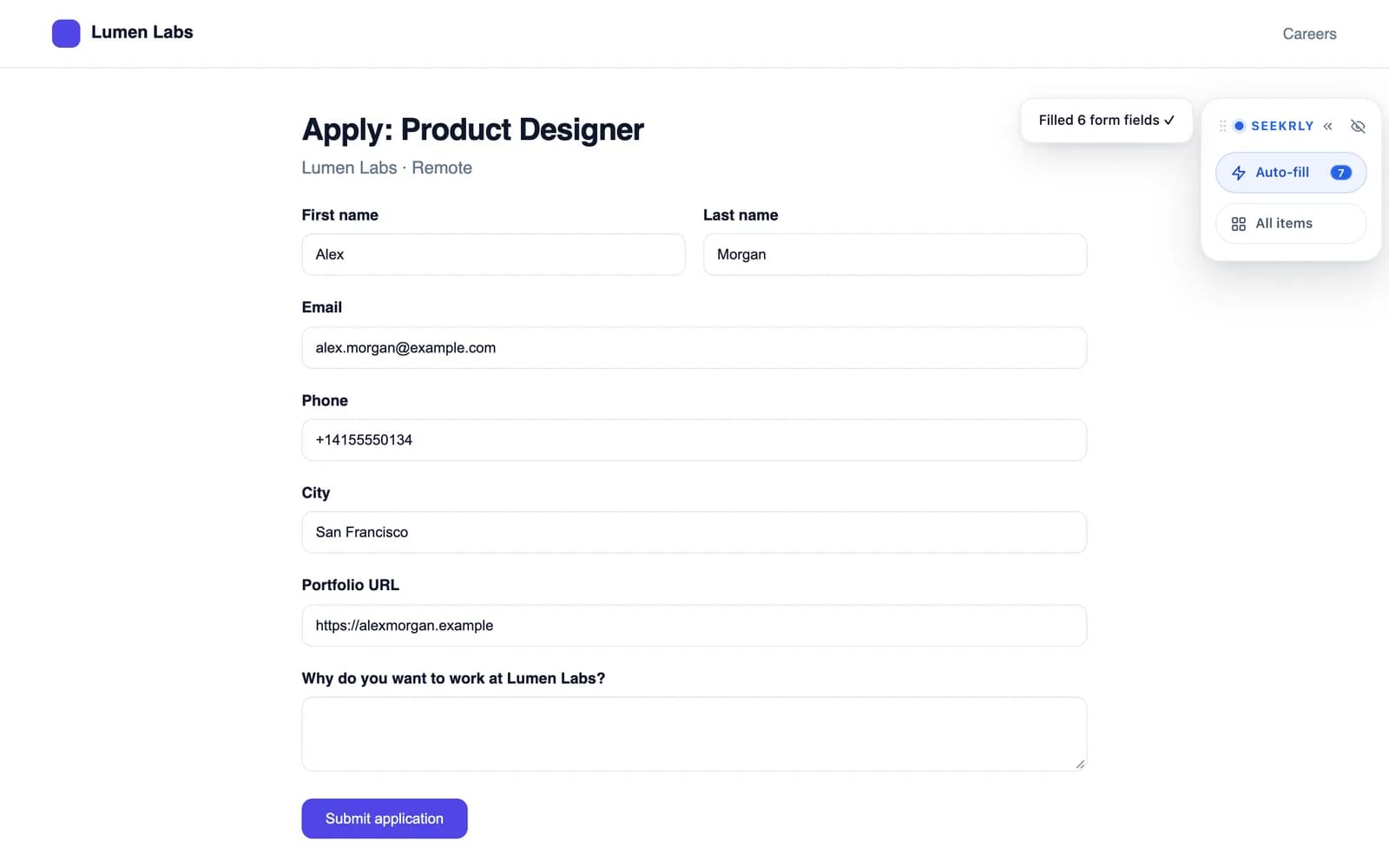
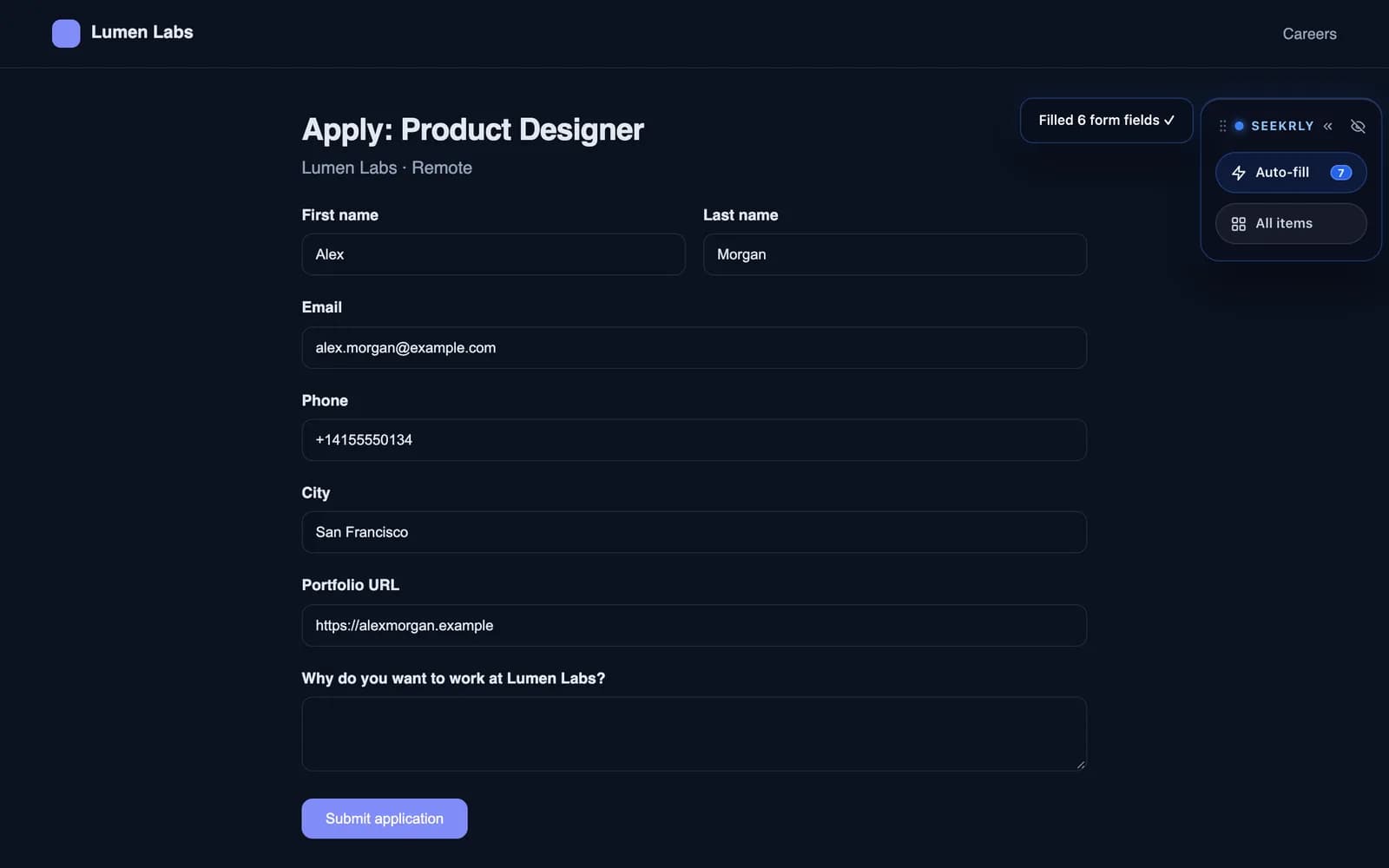
Application forms ask for the same details every time. Click Auto-fill and Seekrly fills your name, email, phone, city and links from your profile. Questions it can't answer stay empty, so you always review before you submit. On paid plans, Seekrly AI can draft answers to the open questions too.
3. Keep recruiters next to the job
Job tracking is half the story. The other half is people. Seekrly spots email addresses on the page and saves recruiters and hiring managers as contacts, linked to the company and the application. On LinkedIn, it can pick up the hiring team when the posting lists one.
4. See your whole search in one dashboard
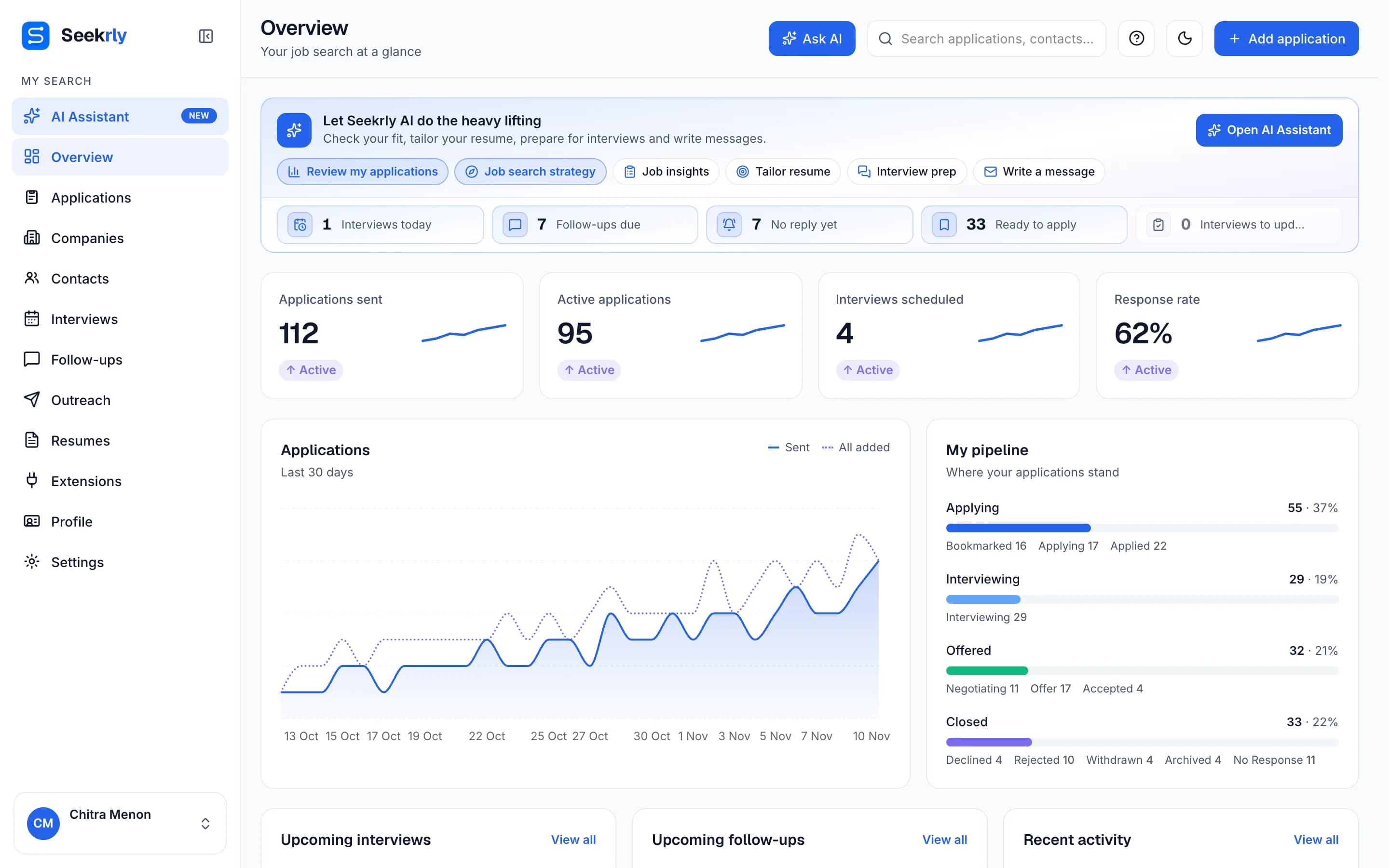
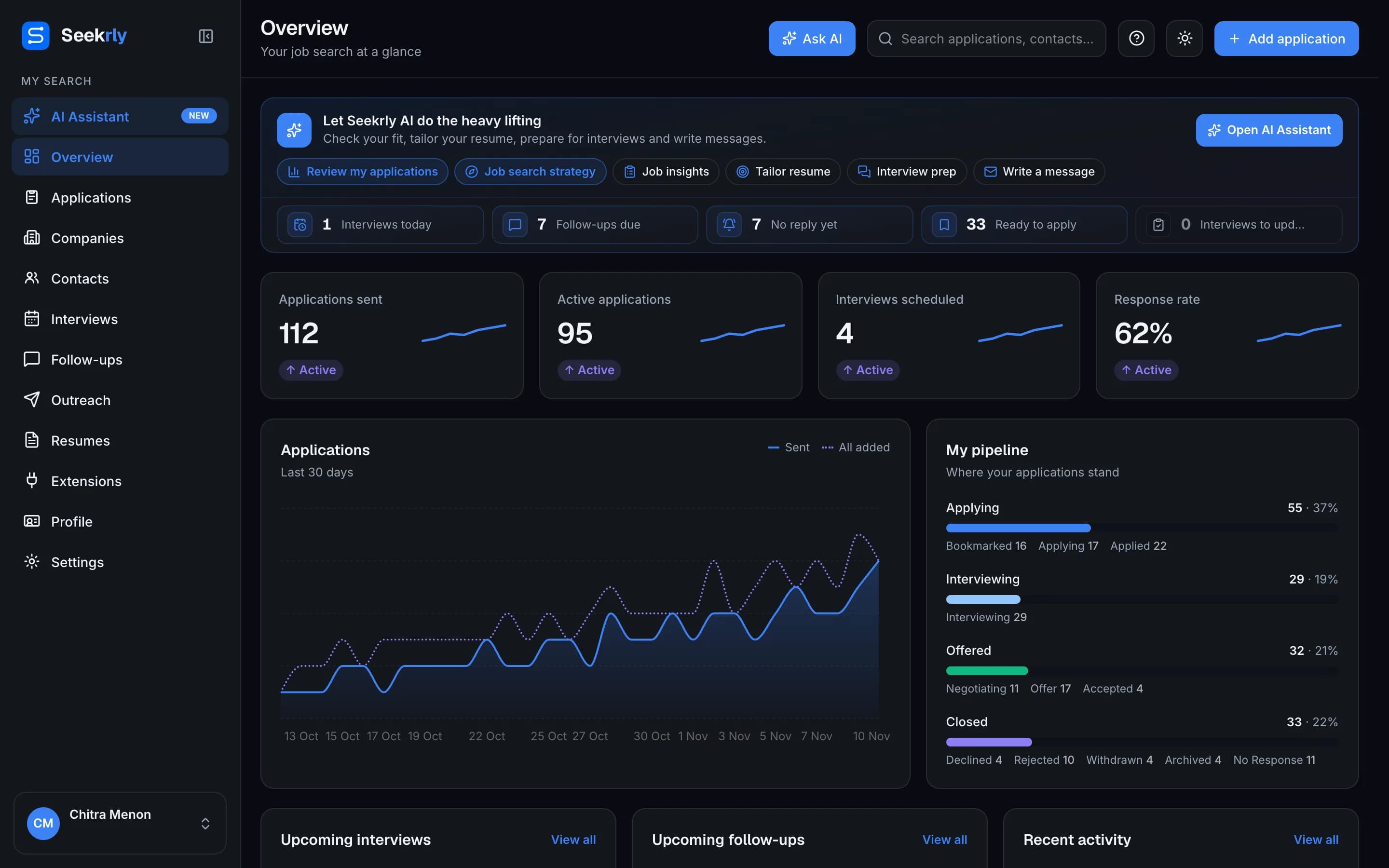
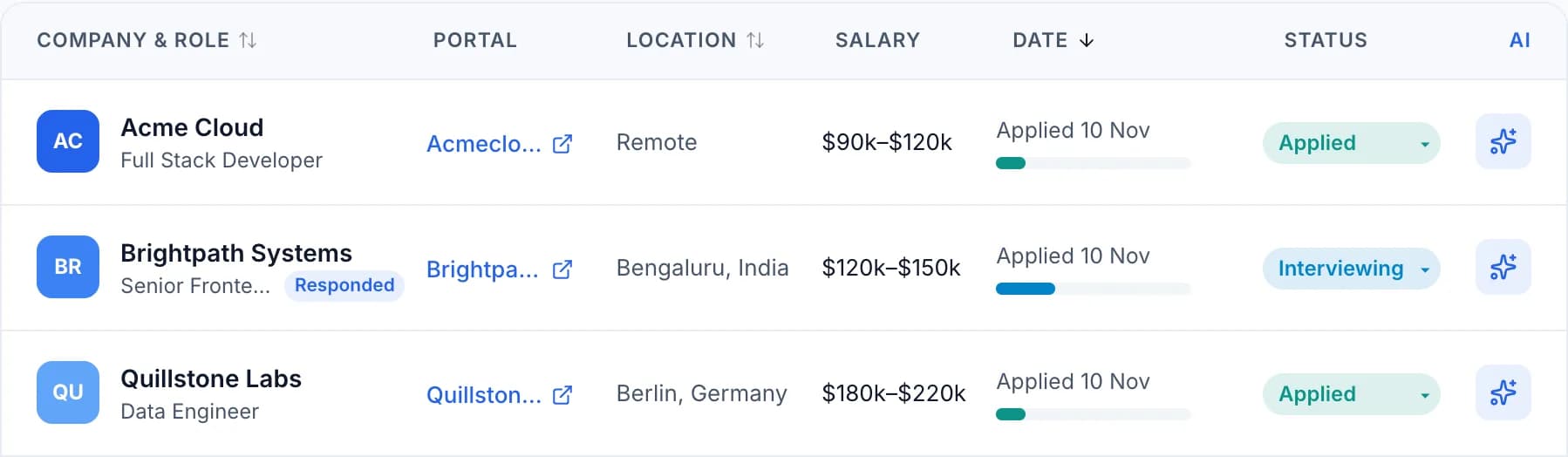
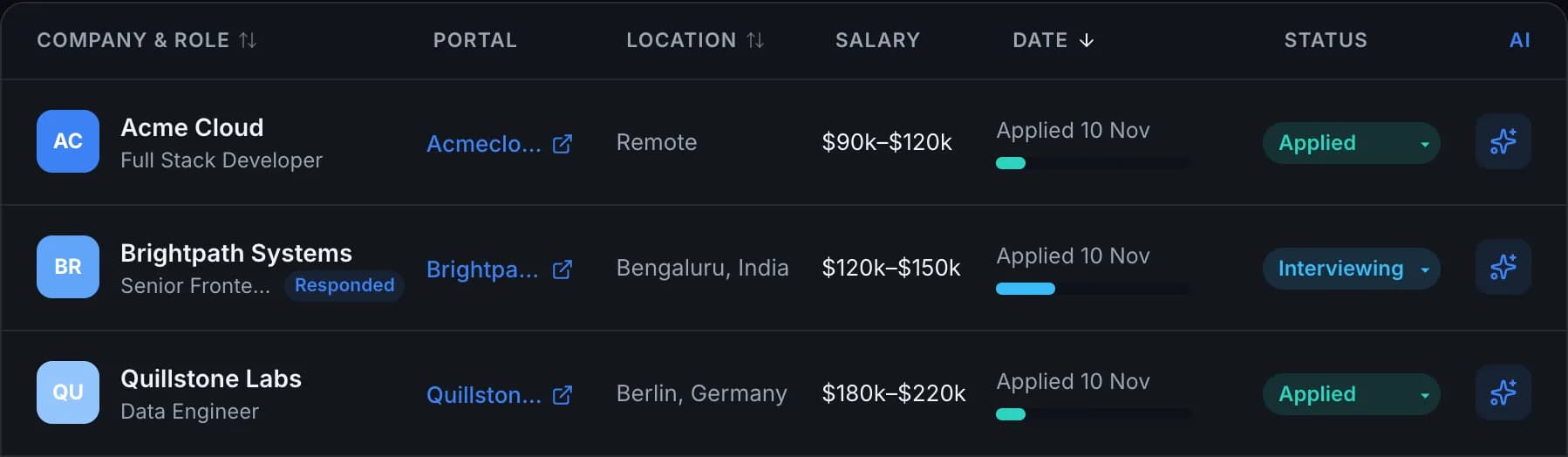
Every job you save lands in one dashboard: how many applications you've sent, how many are active, your response rate and where everything stands in your pipeline. You can see which site each job came from, the salary and the stage at a glance.
5. Never forget a follow-up
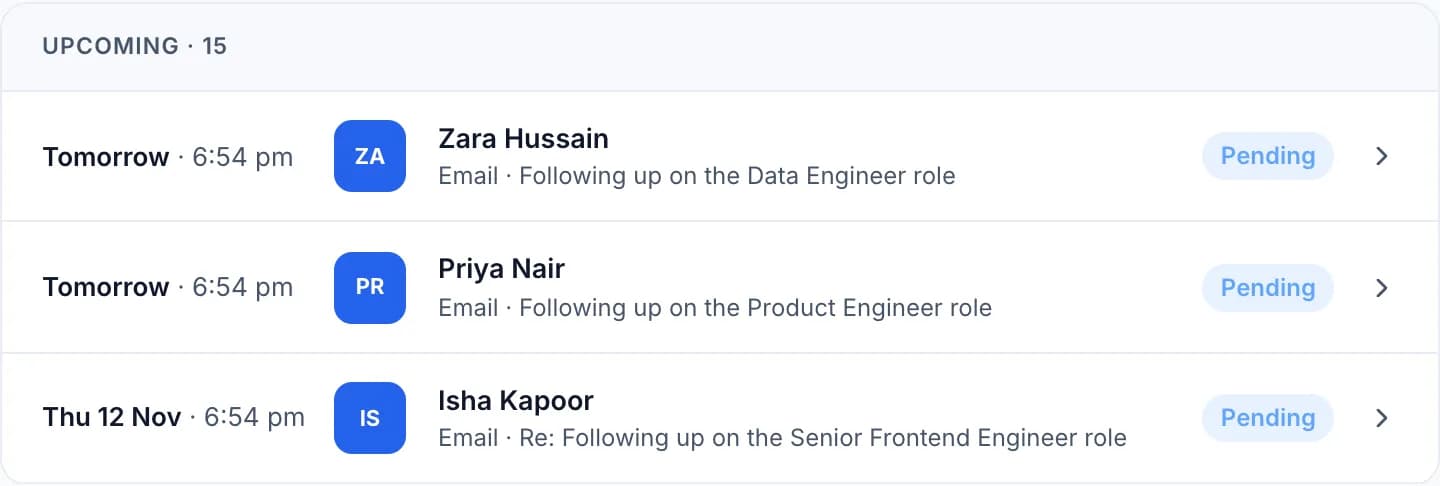
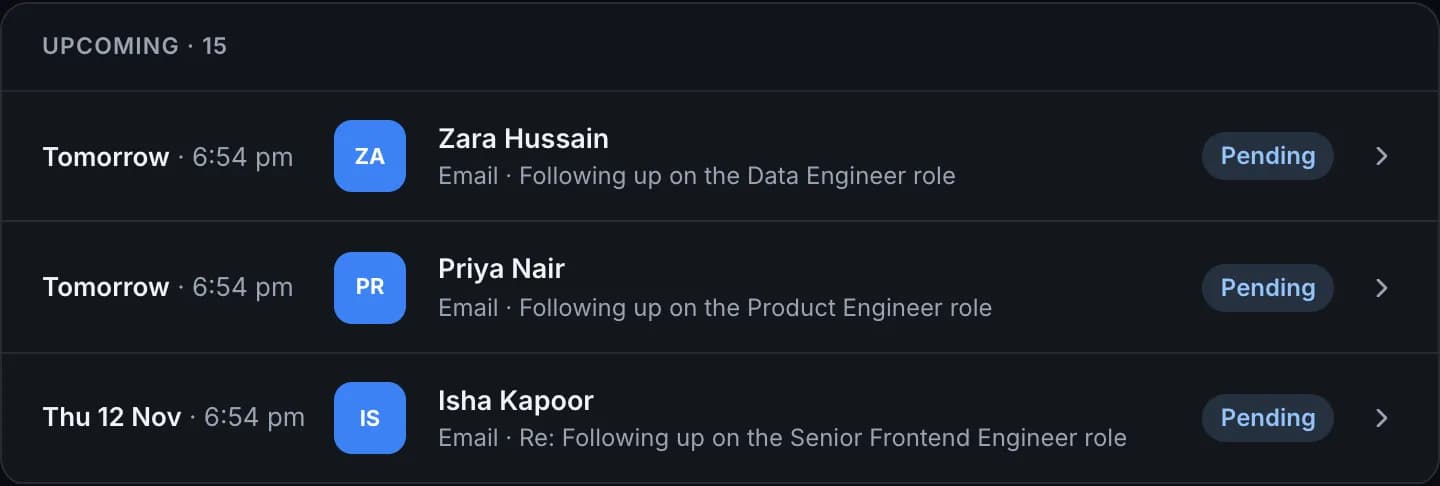
Seekrly reminds you when it's time to follow up with a recruiter, and the free plan includes reminders and a follow-up digest. Connect Gmail to see replies next to the contact, and on paid plans Seekrly can send follow-up emails for you on schedule.
How to download the free Seekrly Chrome extension
Setup takes about two minutes. Seekrly works in Chrome and other Chromium browsers such as Edge and Brave, and there is a Firefox version too.
- Download the extension from the Chrome Web Store (or Firefox Add-ons) and click Add to Chrome.
- Create your free account on Seekrly. No card needed.
- Sign in. The extension signs in through your web login, so there are no keys to copy.
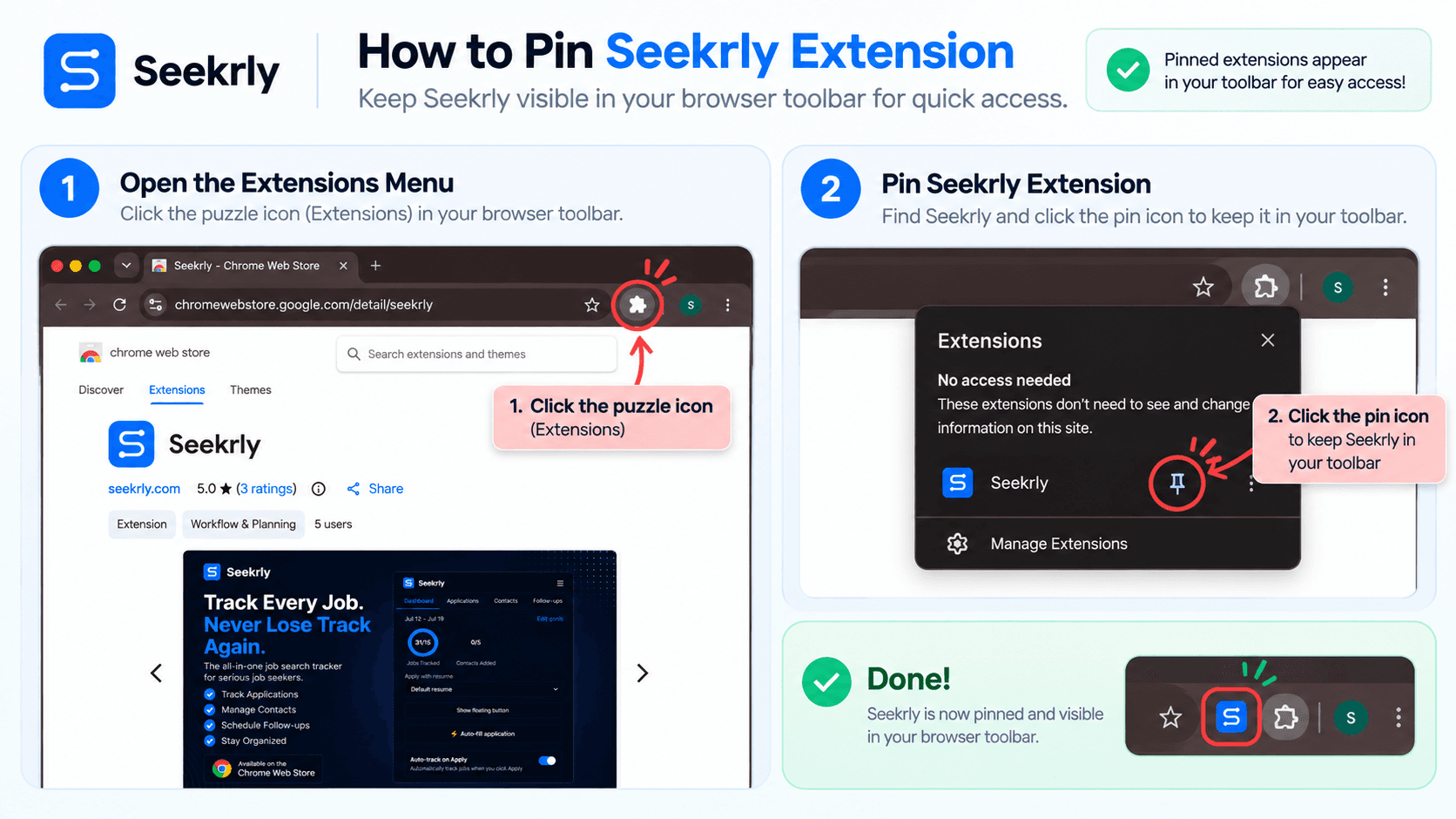
- Pin it so the Seekrly icon stays in your toolbar (see below).
- Open any job posting and click Track Job.
Job application tracker Chrome extensions compared
Here is how the most-searched options compare at a glance. Features and prices change, so check each product's own site before you decide.
| Seekrly | Huntr | Jobscan | Excel sheet | |
|---|---|---|---|---|
| Main job | Job tracker + recruiter CRM | Job tracker | Resume keyword matching | Manual list |
| Save jobs from the page | Yes, any site | Yes | Yes | No, copy by hand |
| Free plan | Yes, 100 new jobs a month | Yes, with limits | Yes, with limits | Free |
| Kanban board | Yes | Yes | Basic | No |
| Auto-fill forms | Yes, free | Yes | No | No |
| Recruiter contacts | Yes, saved from the page | Yes | No | Extra columns |
| Follow-up reminders | Yes, free | Yes | No | Only if you check |
| Job fit score | Yes (paid plans) | Check their site | Match rate | No |
| Firefox | Yes | Check their site | Check their site | n/a |
Huntr Chrome extension and Huntr job tracker
Huntr is one of the best-known job trackers. The Huntr Chrome extension clips jobs into a Huntr board, and the Huntr job tracker organises them into columns by stage. It's a solid choice if you mainly want a visual board.
People looking for a Huntr alternative usually want one of three things: a more generous free plan, a tracker that treats recruiters and follow-ups as first-class rather than notes on a card, or an extension that works on regional job boards as well as the big ones. Seekrly covers all three. The free plan includes the extension, auto-fill, a kanban board, contacts and follow-up reminders, and the extension reads jobs from any page, including Naukri and company career sites.
Huntr job search vs a job tracker
Huntr's job search helps you find openings; a tracker helps you manage the ones you've chosen. You don't need both from the same tool. Many people search on LinkedIn or a job board and use the extension to save only the jobs worth applying to, which keeps the list short and useful.
Jobscan extension: resume matching, not tracking
The Jobscan extension is built around one task: comparing your resume with a job description and showing which keywords are missing, so your resume gets past applicant tracking systems (ATS). It can save jobs too, but tracking is not its focus.
If keyword matching is what you need, Jobscan and a tracker work fine together. If you'd rather have one tool, Seekrly's paid plans add a job fit score in the side panel (shown at the top of this page), tailored resumes and interview prep, from the same extension you use to save jobs.
Job application tracker in Excel: when a spreadsheet is enough
An Excel or Google Sheets tracker is free and fine for a short search of 10 to 20 applications. Use these columns:
| Column | Why it helps |
|---|---|
| Company | Your first search when a recruiter calls |
| Role | Use the exact title from the posting |
| Link | Takes you back to the posting |
| Description | Paste it in; the link may stop working |
| Source | Shows which site gets you replies |
| Stage | Bookmarked, Applied, Interview, Offer, Rejected |
| Applied on | Tells you when to follow up |
| Contact | The recruiter or hiring manager, if you know one |
| Follow up on | Sort by this column every morning |
The problem with Excel is the copying. Every job means switching tabs, pasting five fields and remembering to update the stage later. Past about 20 applications, most people stop keeping it up to date. The extension removes the copying, and reminders replace sorting a column every morning. For a ready-made sheet, see our job application tracker template, or read the full app vs spreadsheet comparison.
What's free in Seekrly
The free plan is meant for a real job search, not a trial:
- Chrome and Firefox extension with one-click saving on any job site
- Up to 100 new applications a month, with a kanban board and list view
- Auto-fill for application forms from your profile
- Recruiter contacts and companies, saved from the page
- Follow-up reminders and a follow-up digest, plus Gmail connection
- Interview tracking, notes and up to 3 resume versions
Paid plans add Seekrly AI (job fit scores, tailored resumes, interview prep and messages), automatic follow-up emails, calendar sync and higher limits. See pricing for details.
How to choose a free job application tracker
- Count your applications. Under 20, a spreadsheet works. Over that, use an extension.
- List the sites you apply on. Make sure the extension reads jobs from all of them, including company career pages.
- Check the free plan's limits on jobs and contacts, and whether reminders are free.
- Think about recruiters. If you're reaching out to people, pick a tracker that saves contacts next to the job.
- Try it on five real jobs. You'll know within a day whether it saves you time.
Whichever tool you choose, the habit matters more than the software: save every job you apply to, update the stage the day it changes, and follow up a week after applying. Our guide on how to track job applications covers that routine in detail.
Frequently Asked Questions
Yes. Seekrly's extension is free on the Chrome Web Store, and the free plan lets you track up to 100 new applications a month with auto-fill, a kanban board, recruiter contacts and follow-up reminders.
Open the extension's page on the Chrome Web Store, click Add to Chrome, then sign in to your account. For Seekrly, search for Seekrly in the store or use the link at the top of this page.
It depends on what you need. If you want a free plan with auto-fill, follow-up reminders, recruiter contacts and an extension that works on any job site, Seekrly is a good fit. If you mostly want a visual board, Huntr itself works well.
Jobscan is mainly a resume keyword matcher that helps you get past applicant tracking systems. It can save jobs, but most people pair it with a dedicated tracker.
Yes, for a small search. Add columns for company, role, link, description, stage, date applied and follow-up date. Once you pass about 20 applications, an extension saves a lot of copying.
No. Seekrly saves jobs and can auto-fill form fields from your profile, but you review and submit every application yourself.
Yes. It works on major job boards like LinkedIn, Indeed, Glassdoor, Naukri and Wellfound, and on most company career pages.
Yes. The Chrome Web Store version works in Chromium browsers like Edge and Brave, and there is a separate Firefox add-on.
Keep your job search in one place
Save jobs, fill in forms, track every application and get reminded when to follow up.
Get the free extension